
Make Your Own Hockey Cards
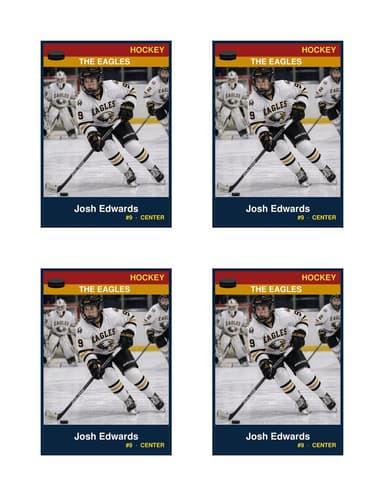
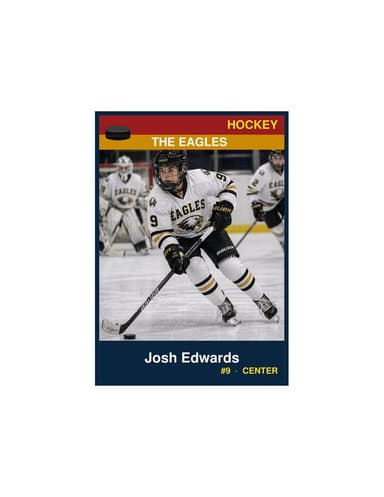
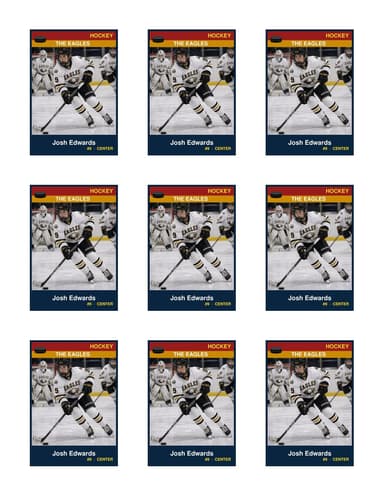
Free printable hockey card templates that print at the same 2.5″ × 3.5″ size as a Topps or Upper Deck rookie card (). Mite, Squirt, PeeWee, Bantam, Midget, varsity, AAA travel. The Position field handles F, D, G or the long-form (LW, C, RW, LD, RD, G). 3.5″ × 5″ keepsake size and 9-up team sheets too.
Hockey families collect cards. The kid’s first Topps rookie sits in a 9-pocket sleeve next to a stack of his own youth cards from age 8 to 18. Print these at the start of each season — Mite, Squirt, PeeWee, Bantam, Midget — and the binder fills out one year at a time. The 2.5″ × 3.5″ Normal size slides into a standard 9-pocket page; the 3.5″ × 5″ Enlarged size frames cleanly for the basement rink-room wall.
Position field handles the standard codes (F / D / G) or the line-specific version (LW / C / RW / LD / RD / G). Captain (“C”) and Alternate (“A”) fit on the band too. The PDF runs in your browser; no upload, no account, no watermark. Every size ships all five designs — Classic banner-and-band, Circle Badge, Split Halves, a three-band Triple Split, and a Vintage Card that ages the photo like an old print — switchable right on the page, so the home sweater and the away sweater can each get the design that suits them.
What every hockey parent needs in the tournament bag
Travel hockey is built around tournament weekends — three or four games against three or four teams over two days. The card swap between games is part of the culture. A short kit:
- One stack of 50+ Normal cards per kid. 2.5×3.5, four per sheet, 13 sheets per stack. Fits in a freezer bag in the hockey bag.
- One Team-sheet 9-up for the bench. Tape it to the back of the bench glass for the parents in the stands. Helps grandparents follow the action without learning every kid’s number.
- One Enlarged 3.5″ × 5″ for the season-end gift. Most teams have a parent who organizes the team-end banquet; hand each kid a framed Enlarged card with the season-best action photo. The youngest kids cherish these for years.
- Photo from goal celebration, not posed shot. Hockey card photos hit hardest when they’re celebrations. Picture-day stiffness reads weak next to a fist-pump after a top-shelf goal.
- Hand them to the opposing team’s bench dad. Card swap rule: at the start of warmups, one parent walks across with a stack of 15. Returns with a stack of 15 from the other team. Kids have something to do on the bus ride home besides scroll TikTok.
Goalies don't fit the standard player template
Goaltenders sit slightly outside the standard team-card template — different jersey number conventions (usually 1, 30, 31, 33, 35, 41), different photo composition (full pads visible matters more than a clean action shot), and stats that matter are different (GAA / SV%, not goals + assists).
For the Jersey field: just the number, same as skaters. For the Position field, the convention is G alone, ORG — 2.41 GAA, OR G — .918 SV%. Avoid putting both stats on one line; the card runs out of room.
For the photo: a full-pad shot in the crease with the mask up photographs strongest. Mid-game action shots (mask down, stick out) read as a goalie instantly but the face is hidden — makes for a less personal keepsake. Most parents go with the warm-up shot before puck drop, mask off, looking down the ice. Coaches keep a separate goalie-frames stack at the senior-night ceremony — goalies always go last in the introductions.