
HomeResumes
Printable resume templates · Microsoft Word
Resume Templates
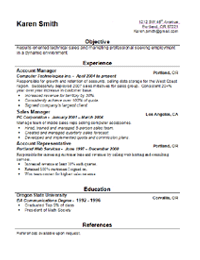
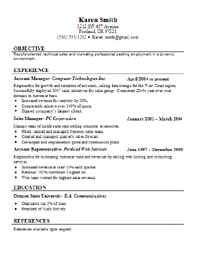
Two professionally laid-out Microsoft Word resume templates. Each section is pre-formatted so you can focus on the content. Open, customize, save, and print on quality paper.
Step 1 · Pick a style
Two templates, different tones.
Both open in Microsoft Word (and Word-compatible editors). They download as .dot templates — opening one creates a fresh document so the original stays untouched.
Step 2 · Customize
Fill it in and print on good paper.
- Open the downloaded
.dotfile — Word creates a new document from it automatically, so you can always re-open a fresh copy later. - Replace the sample text. Each section (Summary, Experience, Education, Skills) is pre-styled; just type over the placeholders.
- Save as
.docxwhen you’re done, then export a PDF copy for emailing. - Print on professional resume paper (24 lb or heavier) for an in-person interview.
Reference sample: Not sure what to write? Download a filled-in example resume to see one template in action.